Moving from paper to GoGoSing
Most venues are still writing reservations on a printed booking sheet, and they already have bookings on the books weeks out. You do not have to cancel any of it, and you do not have to flip a switch on day one. Move across in stages, at whatever pace suits your floor.
1. Enter what you already have
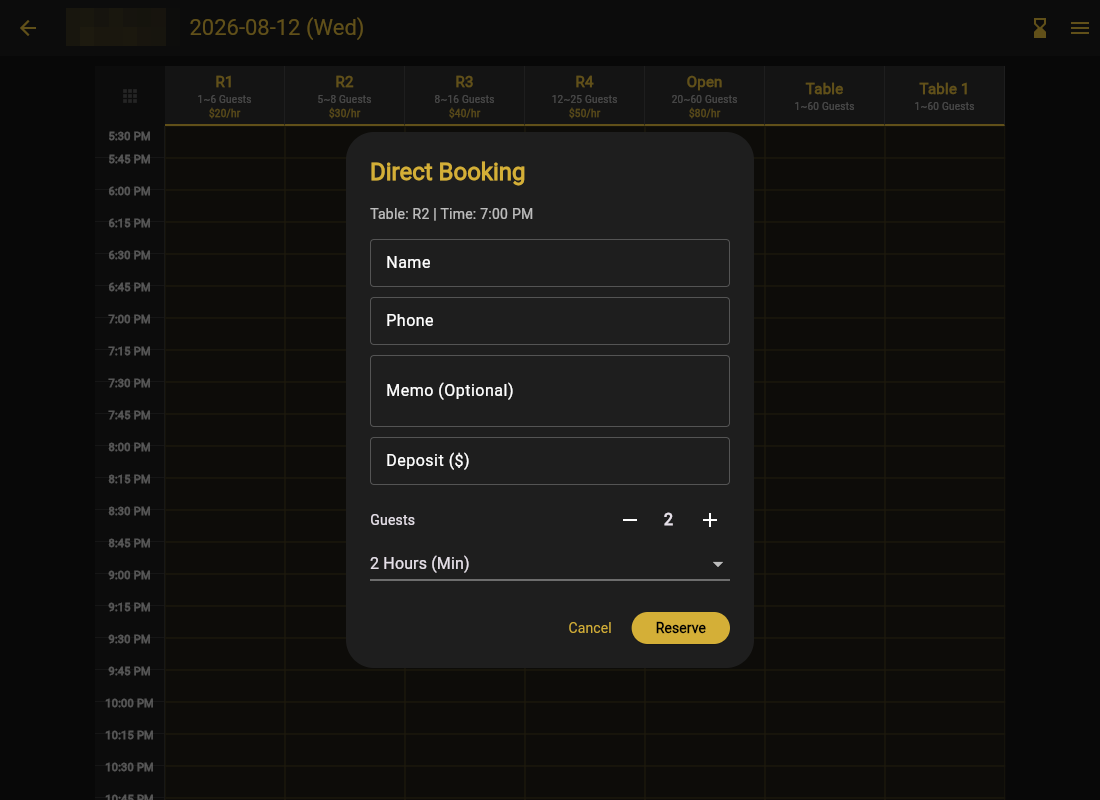
Start by putting the reservations from your paper sheet into GoGoSing. You add them the same way you would take a booking over the phone, through direct booking, so nothing is lost and nobody has to be called back.
2. Work off the calendar instead of the sheet
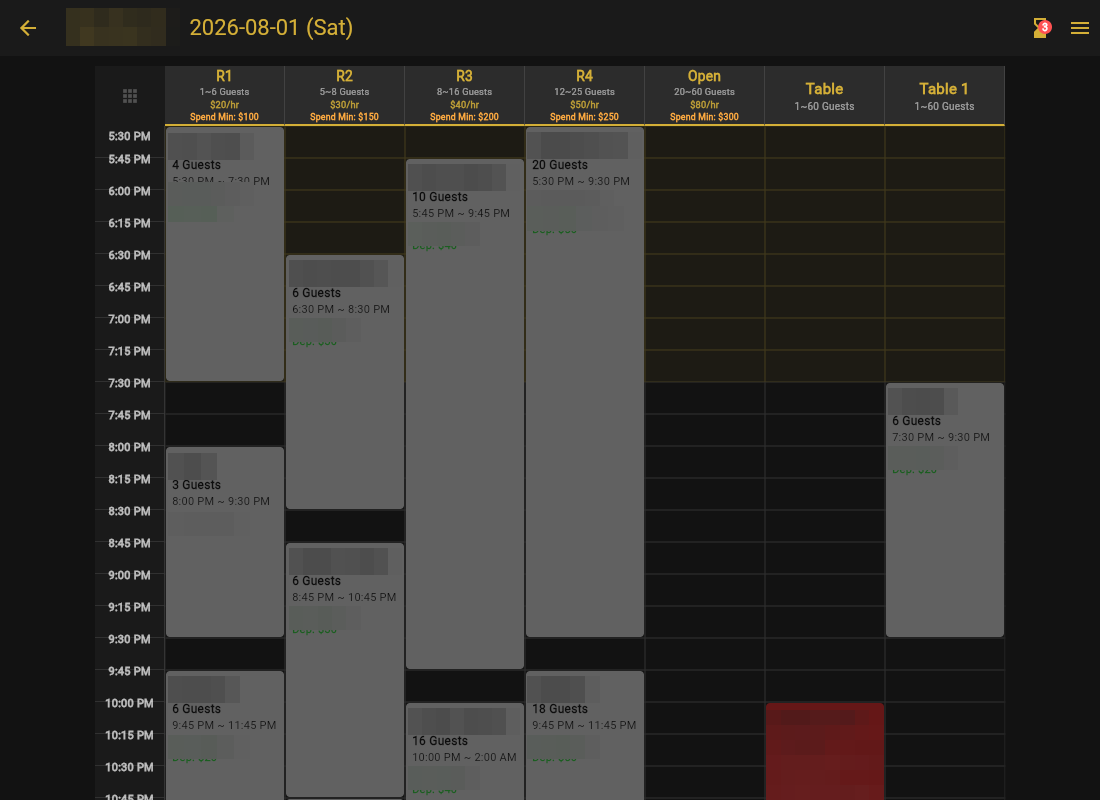
Once your existing bookings are in, use the GoGoSing calendar instead of the paper sheet and get comfortable with it at your own pace. Nothing about how you take bookings changes. You are writing them on a screen instead of on paper.
What you gain immediately is sync. Whoever takes the booking, from the floor or the office or their phone at home, everyone sees it the moment it is saved. No more two people writing on the same line, and no more calling the venue to ask what Saturday looks like.
3. Pick the day you go live
When the calendar feels normal, finish setting up your rooms, hours and rates, then choose the date you want to go fully automatic. Having a date on the calendar matters more than it sounds. It gives your staff something to prepare for instead of a vague plan to switch over sometime.
4. Let guests do the work
On that date, put your booking link on your Google Maps listing and your website. That is the whole setup. From then on guests pick the time they want and book it themselves with a deposit, day or night, without anyone answering the phone.
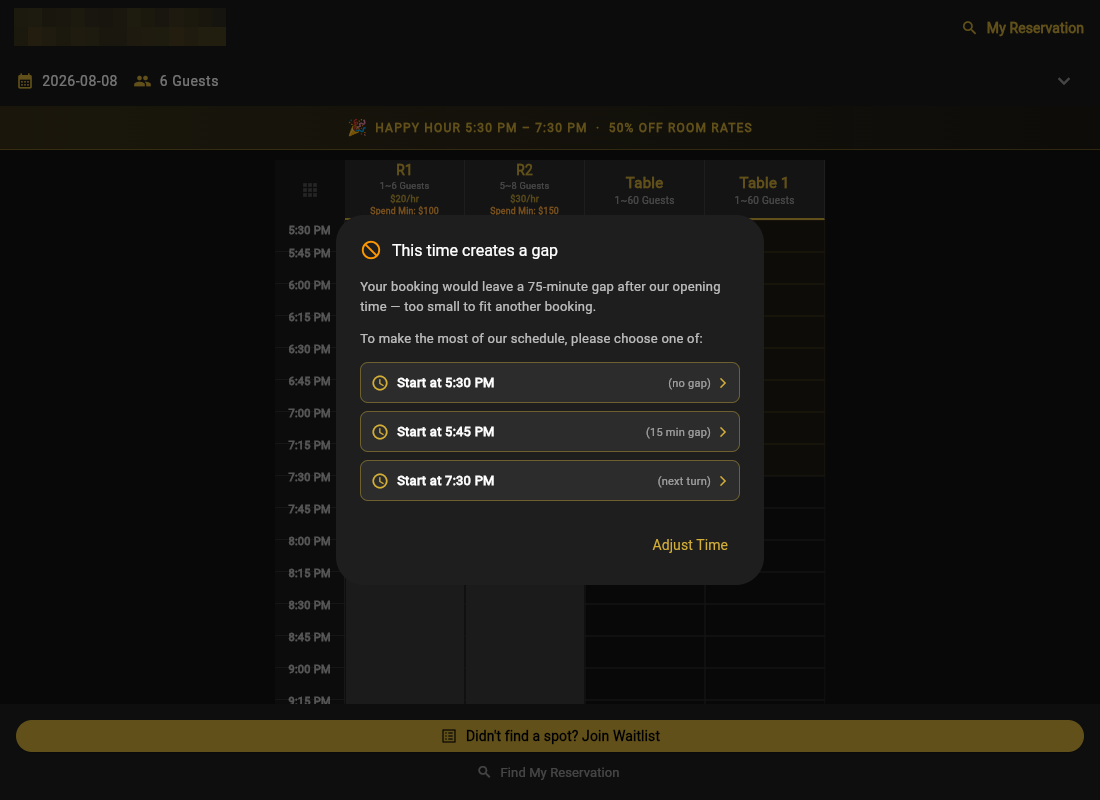
Gap optimization steers them while they choose, so you do not end up with dead time stranded between two reservations that nothing else can fill.
What about people who still call?
Some always will. You have two options and both are fine:
- Take it yourself as a direct booking. As an admin you can put it on the calendar without asking for a deposit.
- Point them to your link and let them book online, which keeps the deposit and the reminders attached to the booking.
Plenty of venues keep doing both indefinitely. The point is not to stop taking calls, it is to stop depending on them.