Your first booking, start to finish
Worth doing once yourself before a real guest does: open your booking page in a private browser window and book a slot.
What the guest does
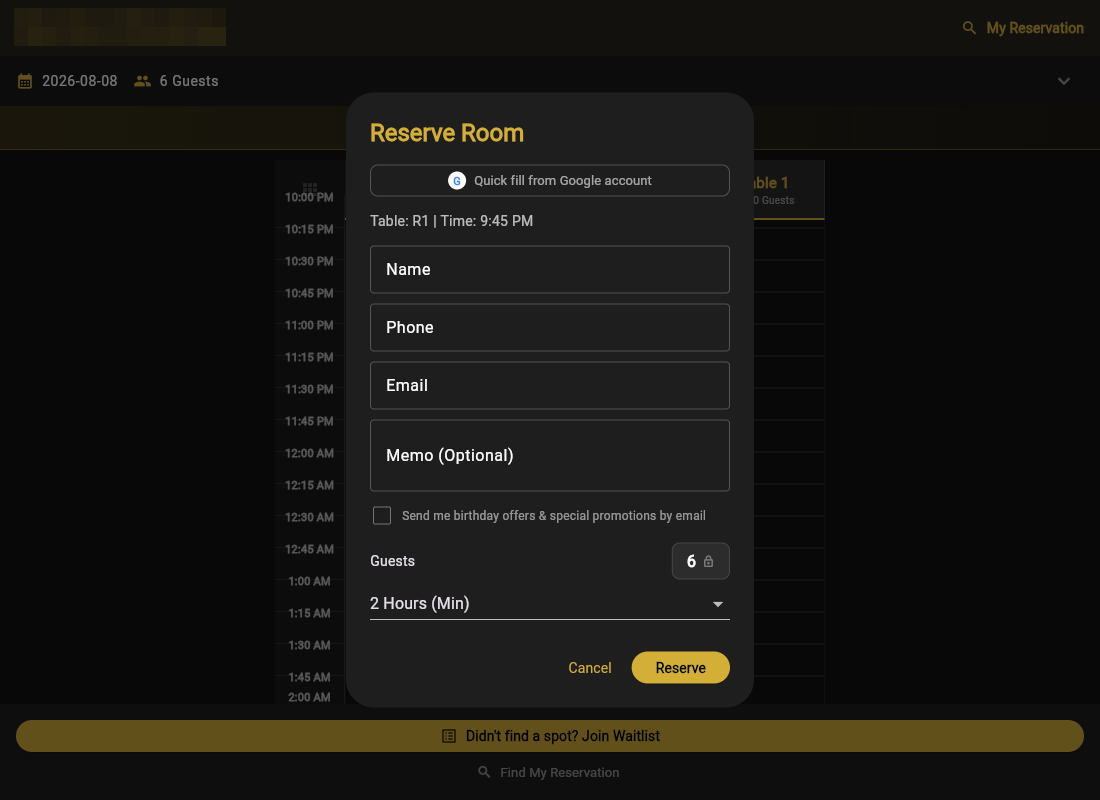
- Picks a date, time, party size, and duration. GoGoSing shows only rooms that fit and times that are actually free.
- Enters name and phone, optionally a birthday and a coupon code.
- If deposits are on, pays the deposit through Stripe checkout (they have 30 minutes before the hold releases).
- Gets a confirmation by email and text, with a Confirmation Code and a Manage Booking link they can use later to cancel.
What you see
The booking appears on your calendar immediately, and the bell icon shows it under New, along with any cancellations and waitlist entries. If you have the mobile app installed, you get a push notification too.
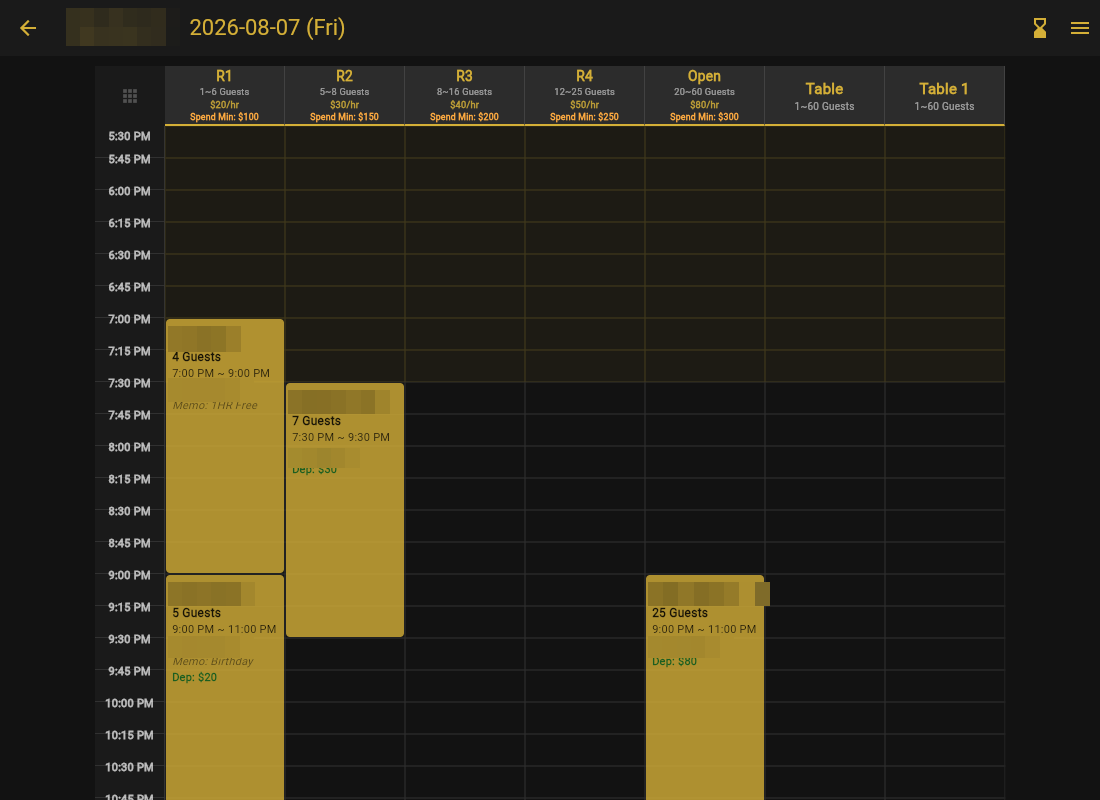
Made a test booking? Open it on the calendar and cancel with Refund & Cancel. Your test deposit goes back to your card and the slot is freed.
That is the whole loop. From here, the guides below cover the day-to-day: the calendar, phone bookings, and changes and refunds.