Time off and shift swaps
The scheduling requests that used to arrive as texts at 1 AM now arrive in Staff → Requests, in two stacks:
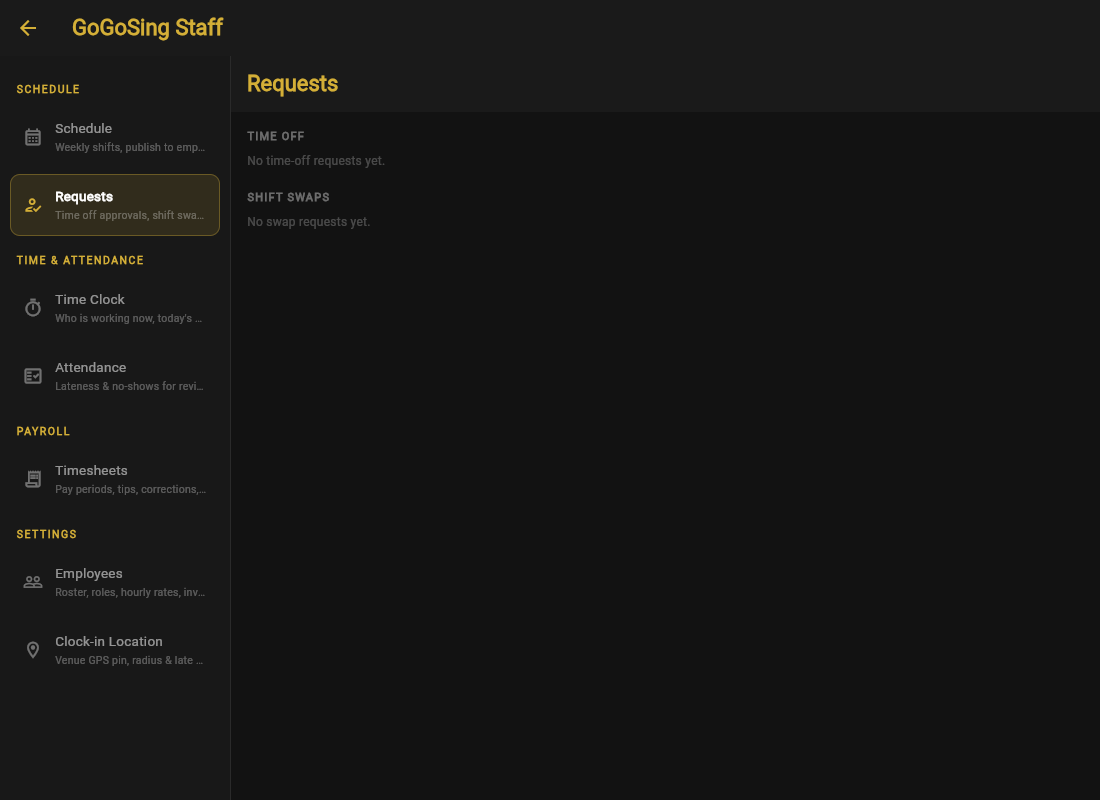
Time off
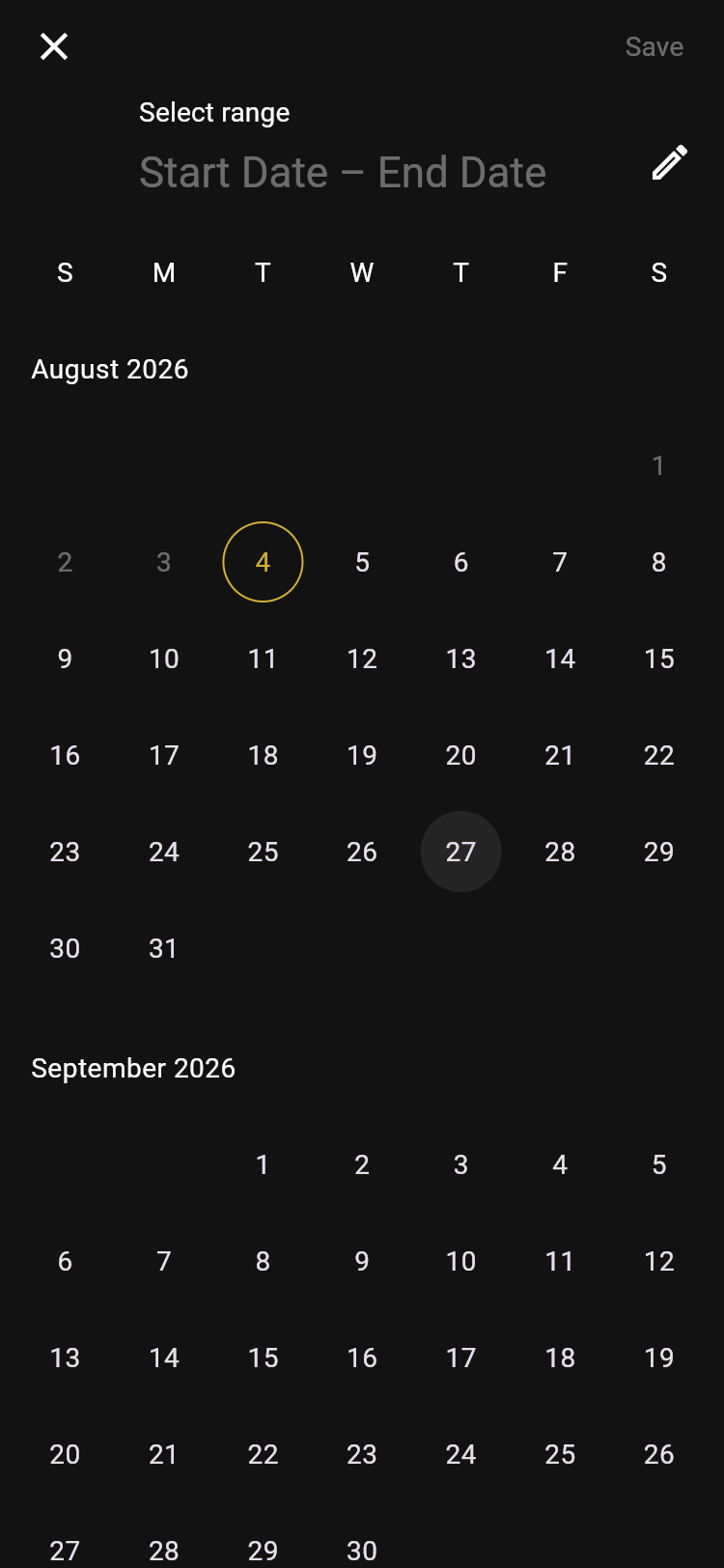
An employee picks a start and end date on their phone and sends it. You approve or decline here.
Approved days are blocked out when you build the schedule, so you cannot accidentally roster someone you already promised the weekend to.
Shift swaps
When someone cannot work a shift, they post it to the Shift Trade Board from their app. A coworker offers to take it, and the swap lands here for your sign-off, so you keep control of who actually works without doing the phone-tree yourself.
The real win is that the coverage problem becomes the employee's first move, not yours. "Find someone to take it, then I'll approve" beats spending your Thursday texting the whole roster.