GoGoSing Staff: set up your team
GoGoSing Staff is the other half of the app: scheduling, time clock, attendance, and payroll prep. It is included with your GoGoSing plan, with no separate subscription. Open it from the calendar's Staff icon (the clipboard, top right).
Seven modules live in the sidebar: Schedule, Requests, Time Clock, Attendance, Timesheets, Employees, Clock-in Location. This section walks through each.
Add your employees first
Open Employees and hit Add Employee. Two ways to get someone in:
- Invite by email: they get a link, set their own password, and sign in with just email + password (same login screen as you).
- Add directly with a password: you set the password on the spot. Built for in-person onboarding, so on a new hire's first day you create the account at the bar and they log in before their shift. The email is just their login ID.
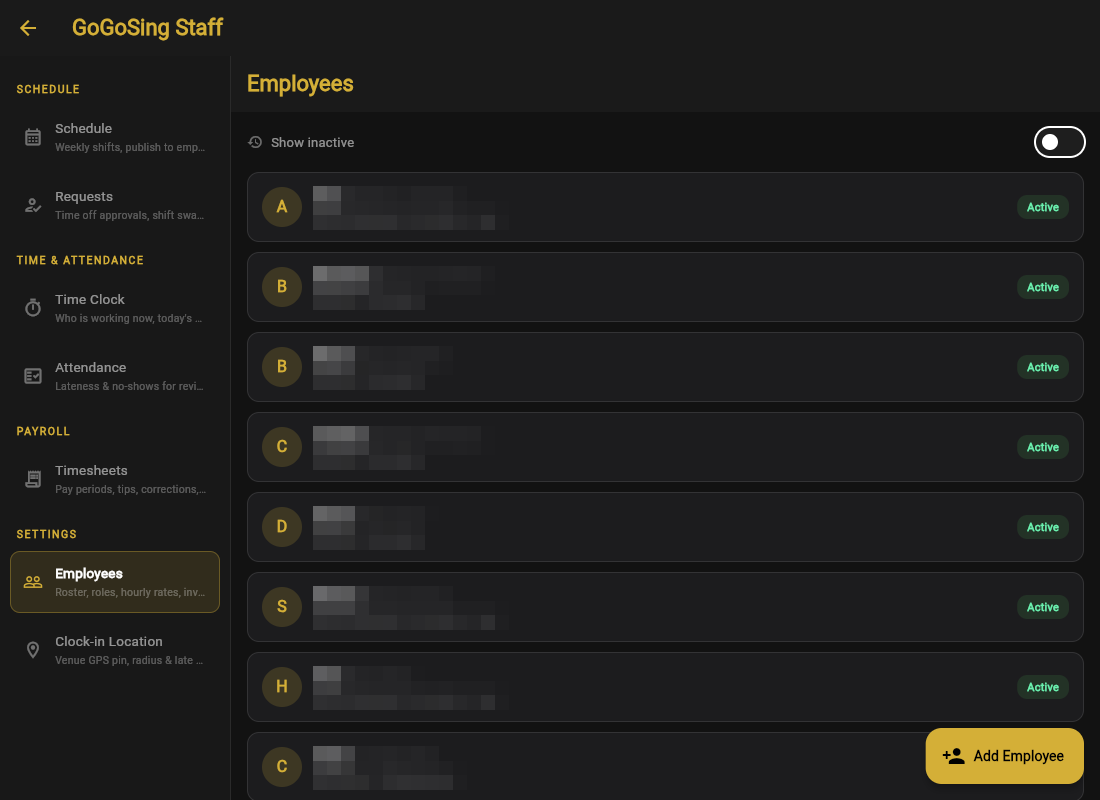
For each employee you set a display name, position (Kitchen, Bartender, Server), and pay: hourly or salary per pay period, plus a tipped flag for tip-credit roles. A server at $2.50/hr + tips and a cook at $15/hr can sit side by side.
What employees can see
Employees get their own mobile view: their shifts, clock in/out, their own timesheets, and a read-only reservations calendar. They never see other people's pay, your settings, or customer data. See what your employees see.