Using the waitlist
A full calendar is not a reason to hang up. The waitlist turns "sorry, we're full" into "we'll text you the moment something opens."
Adding someone
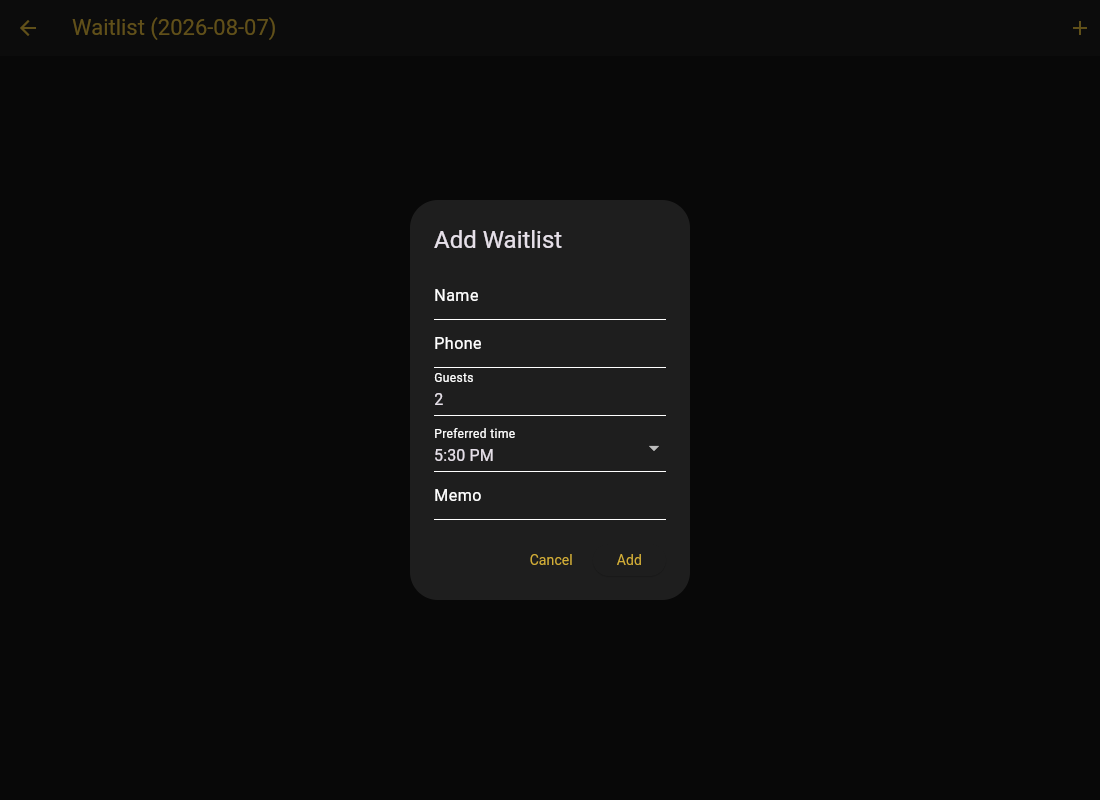
- Open the Waitlist tab and tap Add Waitlist.
- Enter guest name, phone, party size, preferred time, and how long they want.
- Save. Entries show when they were added, including the date, so Friday's list does not get mistaken for Saturday's.
When a slot opens
A cancellation shows up in your bell. Open the waitlist and either:
- Notify spot opened: texts the guest that their time is available. First to respond gets it. Or:
- Book Room: assign the room directly, if they told you to lock anything that opens.
Work the list in order but set expectations at add time: "If something opens we text you, first reply takes it." That one sentence stops the "but I was first" argument at the door.