Discount coupons
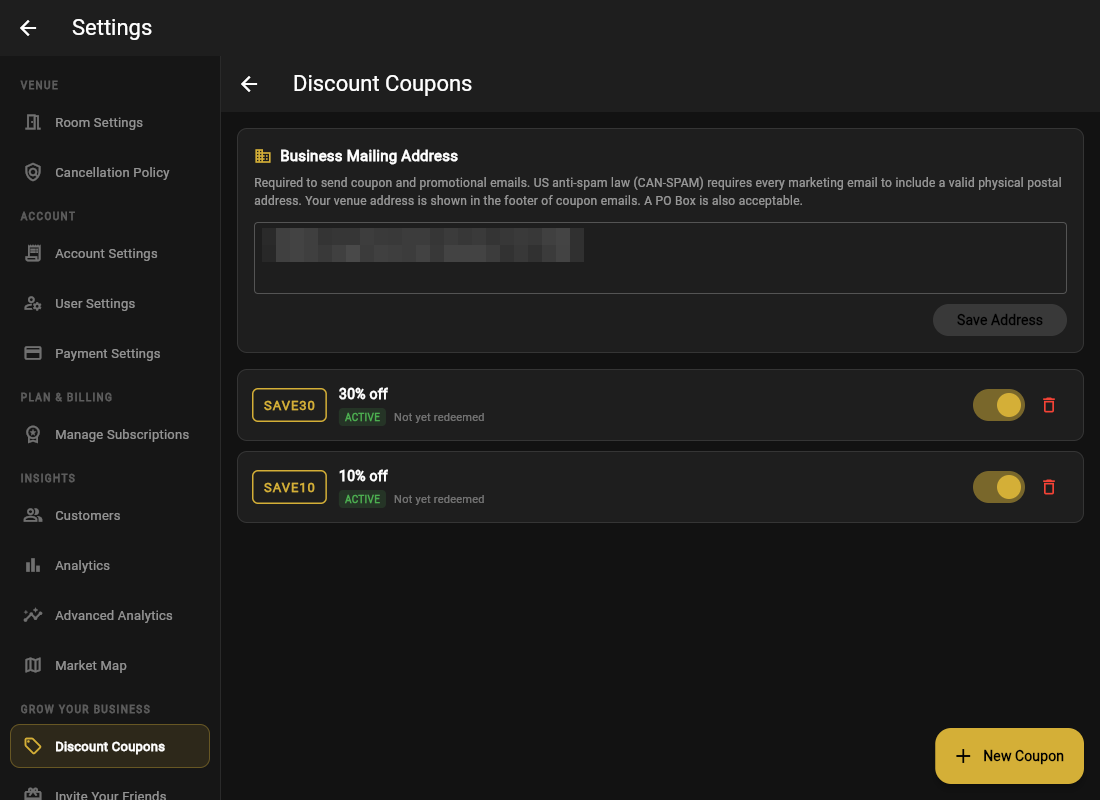
Open Settings → Discount Coupons.
Creating one
- Click New Coupon.
- Set a Coupon Code (e.g.
SAVE10) that is short, typeable, and sayable. - Set the Discount (%) and an optional description.
- Create. It is ACTIVE immediately; you can deactivate or delete it anytime.
How guests use it
There is a Coupon Code field on the booking page. A valid code discounts right there in the cost estimate; an invalid one says so before payment. Each coupon shows Redeemed / Not yet redeemed so you can see what is actually pulling.
Sending coupons
From Customers, select people (or filter to marketing opt-ins) and hit Send Coupon via Email. That is the whole campaign tool, with no third-party mail service needed.
Name codes after the campaign, like
RAINYTUES or BDAY20, so the Redeemed column tells you which idea worked, not just that "a coupon" was used.