Connect Stripe and turn on deposits
Deposits are the reason online bookings actually show up. GoGoSing collects the deposit when the guest books, and the money goes to your Stripe account. GoGoSing never holds your funds.
Connect Stripe
- Open Settings → Payment Settings.
- Click Connect with Stripe and complete onboarding: business details, bank account for payouts, identity check. Most venues finish in under 10 minutes.
- Back in Payment Settings, the status should read Active. If it says Onboarding Incomplete, click Continue Onboarding. Stripe usually just needs one more document.
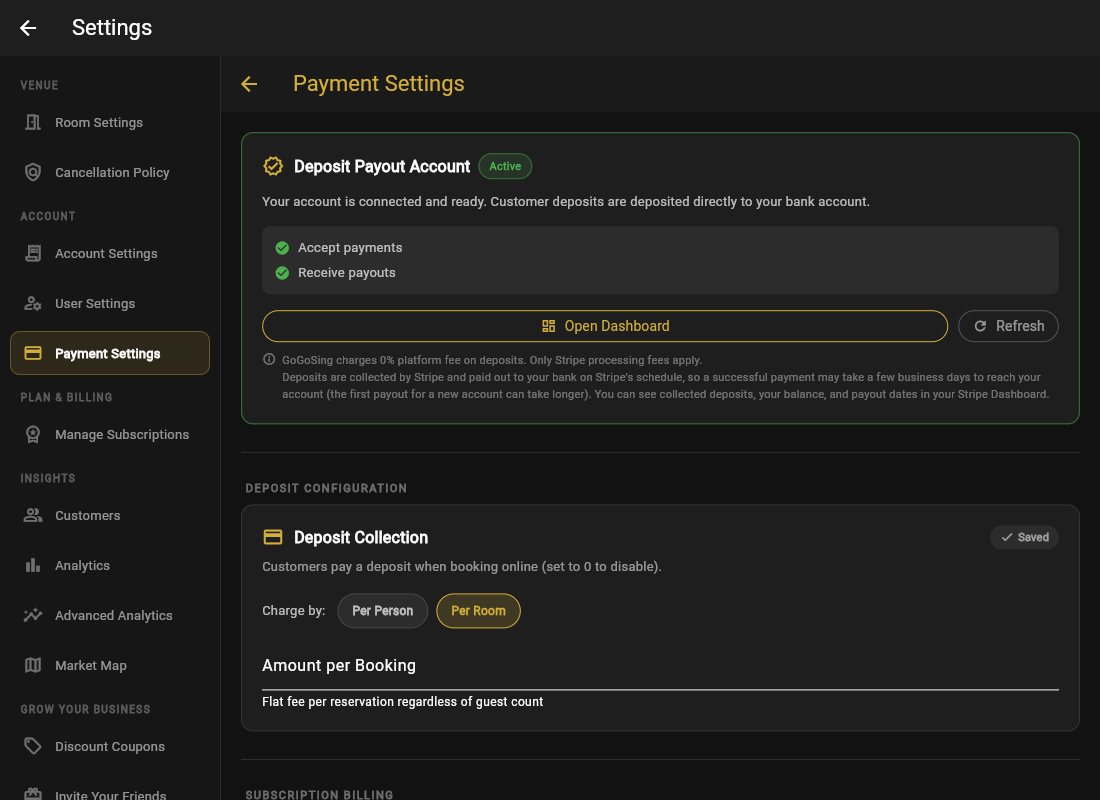
Configure the deposit
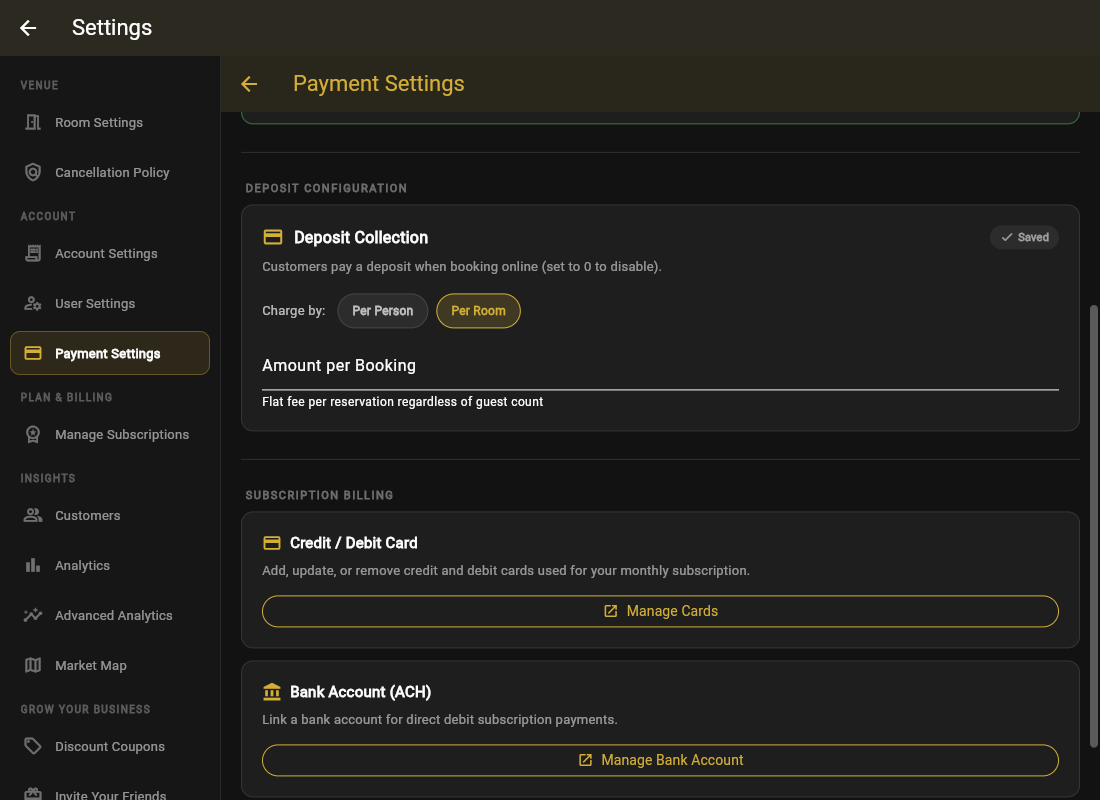
- Turn on Deposit Collection.
- Choose Per Room (one flat amount per booking) or Per Person (amount × guest count).
- Set the amount.
- Decide whether Refund Deposits on Cancellation is on, and pair it with a cancellation window. See Cancellation policy.
From 25 years of running venues: the deposit does not need to cover your loss. It needs to make the guest feel the booking is real. Most venues credit it toward the bill, so regulars pay nothing extra. See Deposits that fit your venue for amounts that work.
A guest has 30 minutes to finish paying the deposit. If they abandon checkout, the slot is automatically released, so you do not need to clean anything up.